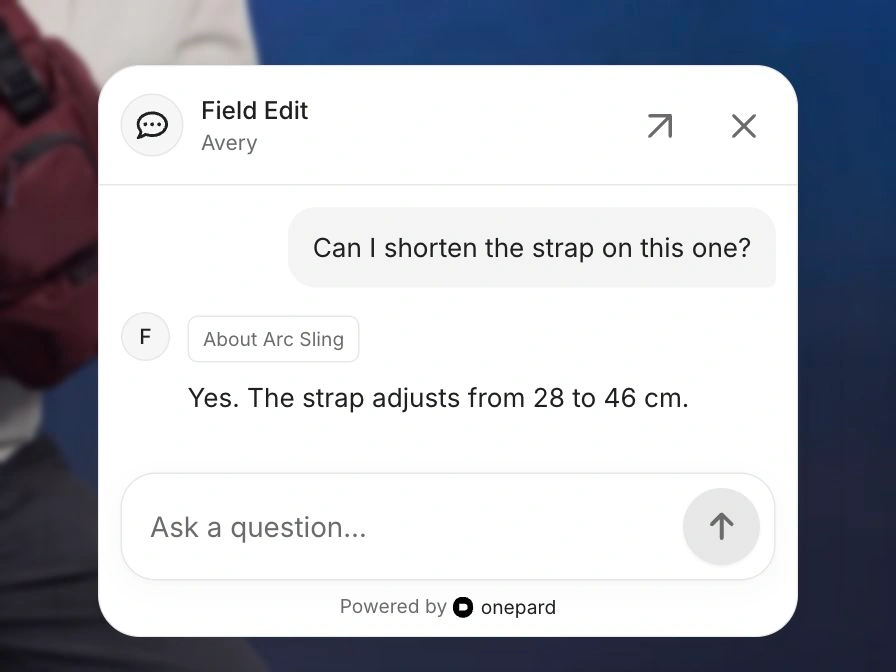
Page-aware replies
A shopper looking at the Arc Sling can ask “Can I shorten the strap on this one?” Onepard knows which bag they mean and keeps the conversation going as they browse.
 onepard
Onepard learns what your website offers and what customers can do there. They can get answers, compare options, get things done and send your team an enquiry in the same chat.
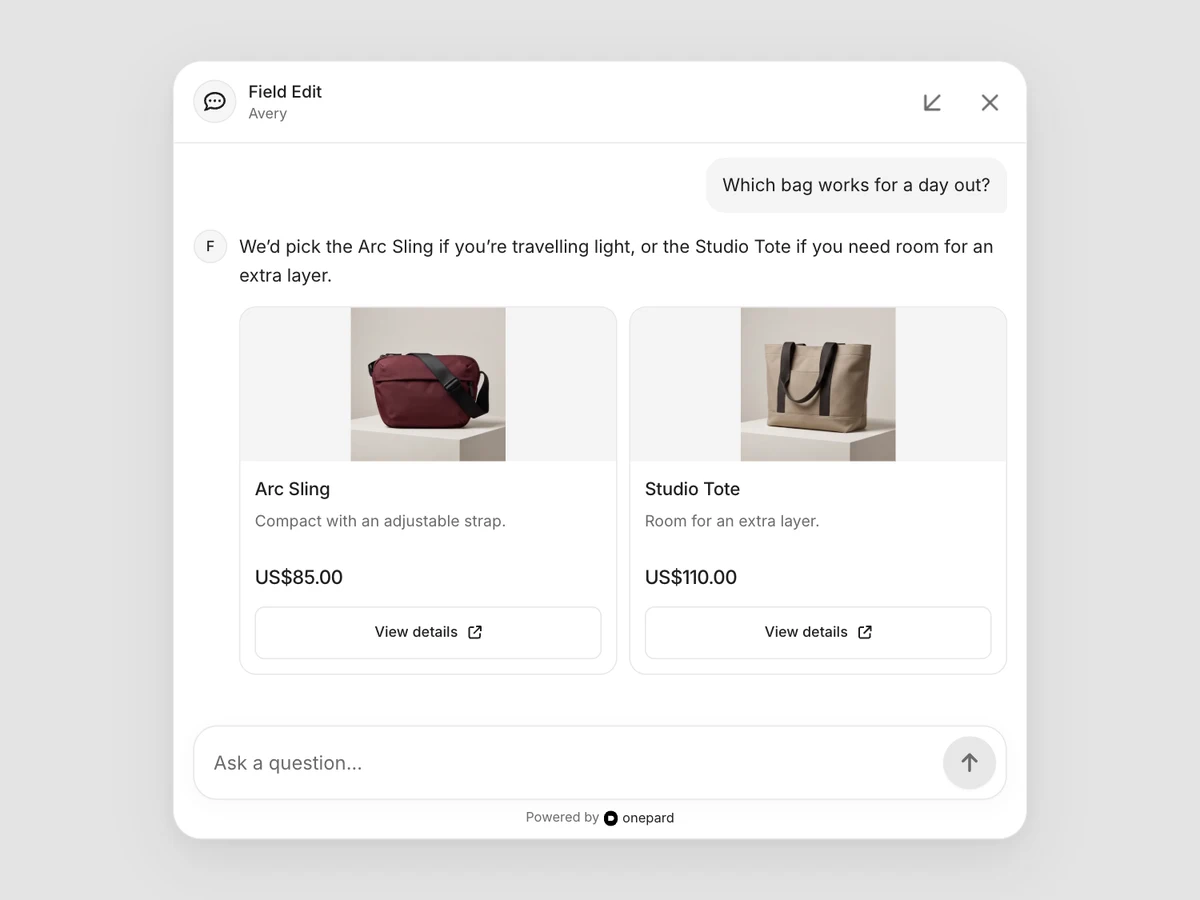
A shopper looking at the Arc Sling can ask “Can I shorten the strap on this one?” Onepard knows which bag they mean and keeps the conversation going as they browse.
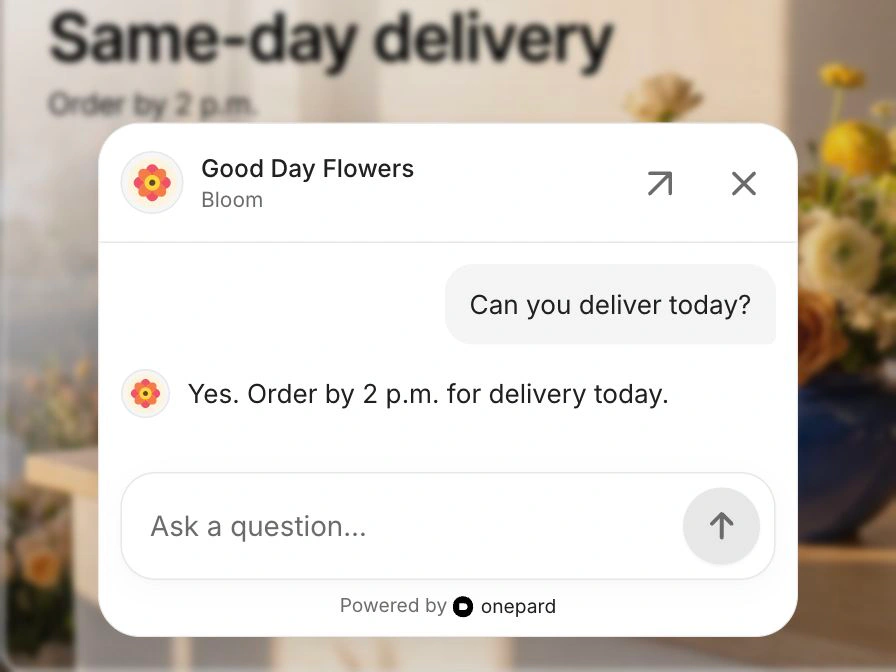
Change your delivery cutoff, publish a new service or update a price. Onepard keeps its answers up to date as your website changes.
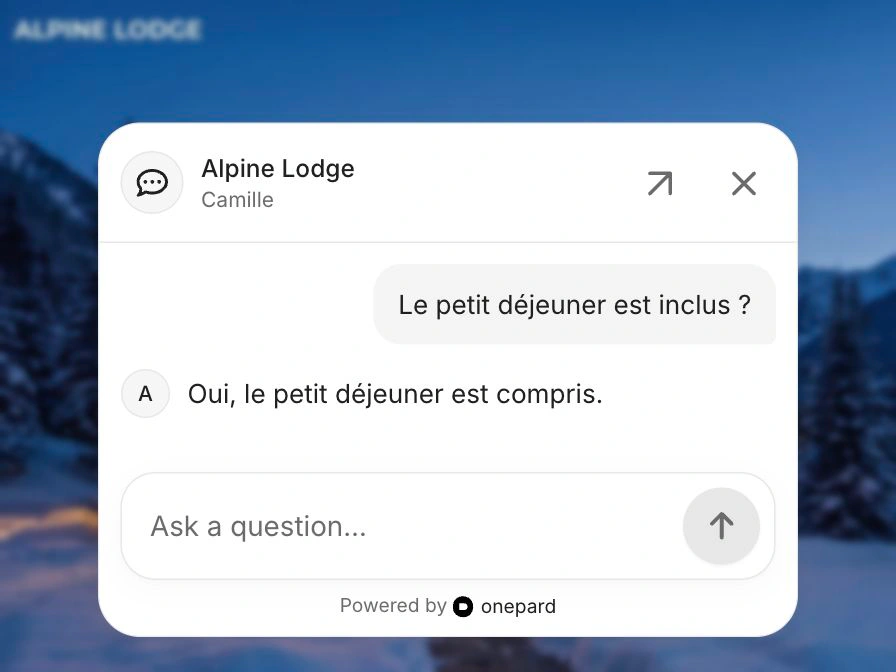
A French-speaking guest can ask about breakfast and get a reply in French, even if your hotel’s website is in English. Customers can ask follow-up questions in the same language.
Onepard learns what customers can do on your website. They ask in chat, Onepard handles the request on your site, and they get the result in the same conversation.
Explore Chat Actions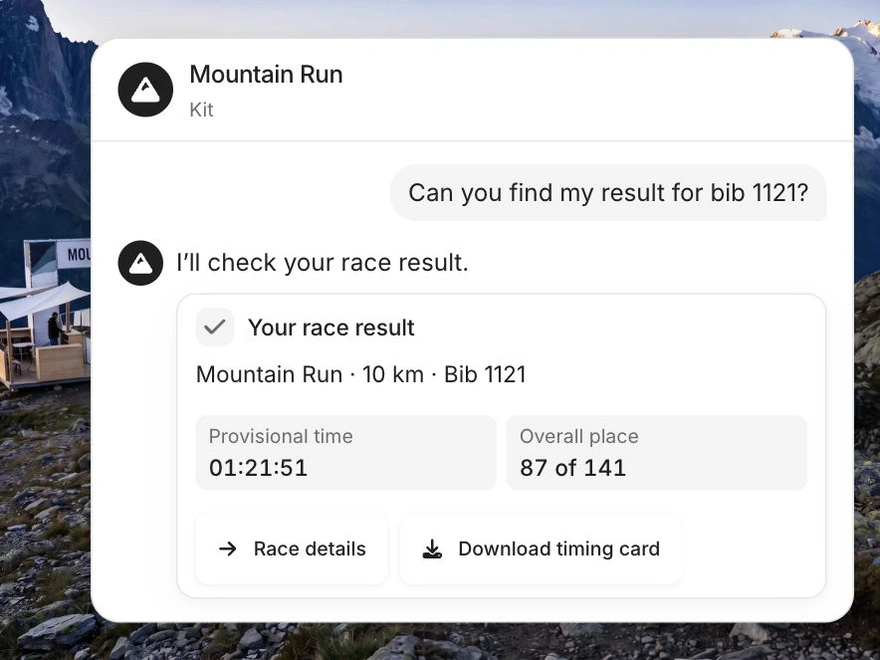
When someone asks for a quote, a callback or help from your team, Onepard opens a short form in chat. Customers can send it right there. Your team gets the request, their contact details and a link to the conversation by email.
See how enquiries work
Customers type a question right into the box at the bottom of your site. The conversation opens above it, so they can read the reply and ask a follow-up without leaving the page.
Give your assistant a name, use your business logo and choose what the chat bubble says. Open your chat to see what customers will see before you add it to your site.

Find past conversations and see the questions and requests customers bring you. Add details your website leaves out, such as what to bring to an appointment.
Run several businesses from one account, each with its own assistant, conversations, enquiry inbox and plan.


Paste into your AI Agent
You can set up Onepard by following https://onepard.com/llms.txt. Then install Onepard on my website.
Yes. Open your chat from Chat settings and try the questions and requests your customers bring you. Add it to your website or share the link when you’re ready.
Yes. In Business information, you can add details such as what to bring to an appointment or how your team handles large orders. Onepard uses that information alongside your website.
They can keep the same conversation as they browse your site. Onepard uses the page they’re looking at to answer a question like “Does this come with a vase?”
Onepard automatically keeps your answers up to date as you add or change pages. You can see which pages it uses in Business information.
Yes. Paste information such as your services, prices and opening hours, then share your chat page as a link.
Ask the question your team answers most often before sharing your assistant with customers.
Create your assistant