Get things done in chat
Onepard takes action on your site and shows the result in chat. A runner can give their bib number, get their finish time and download their timing card.
Explore Chat Actions onepard
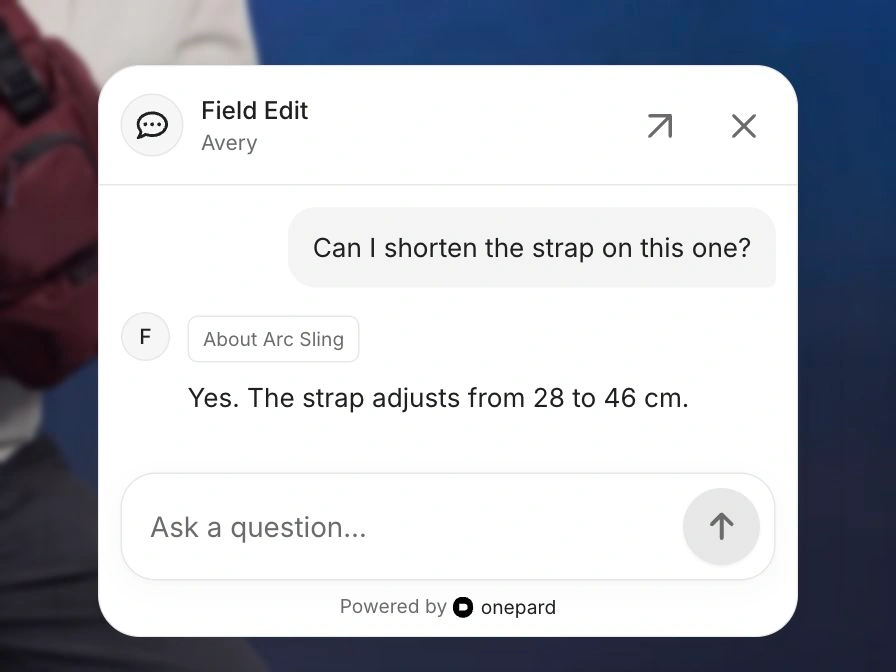
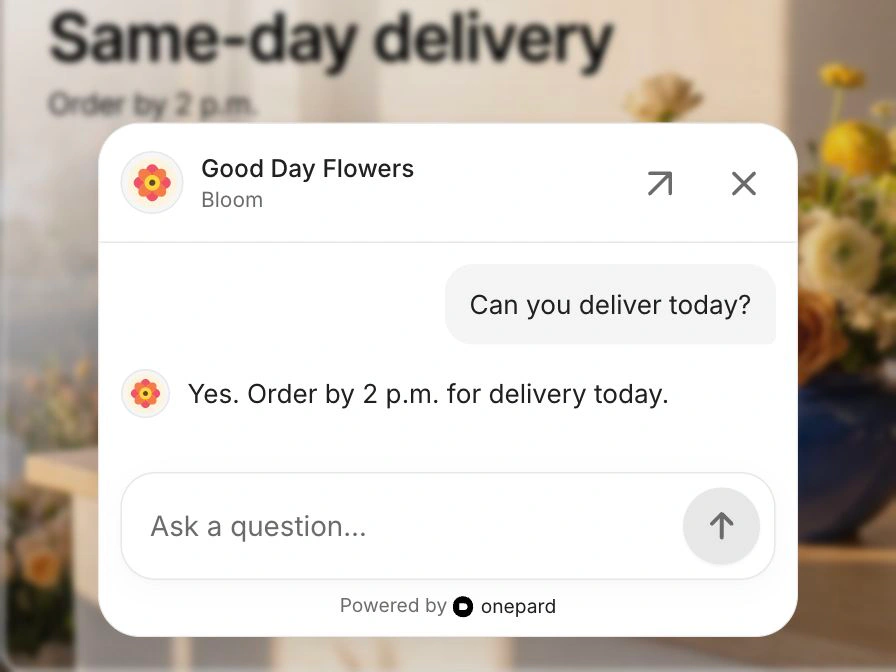
Onepard learns your website. Customers can get answers, have Onepard handle tasks on your site and send your team an enquiry, all in one chat.

Helping customers at










Onepard takes action on your site and shows the result in chat. A runner can give their bib number, get their finish time and download their timing card.
Explore Chat Actions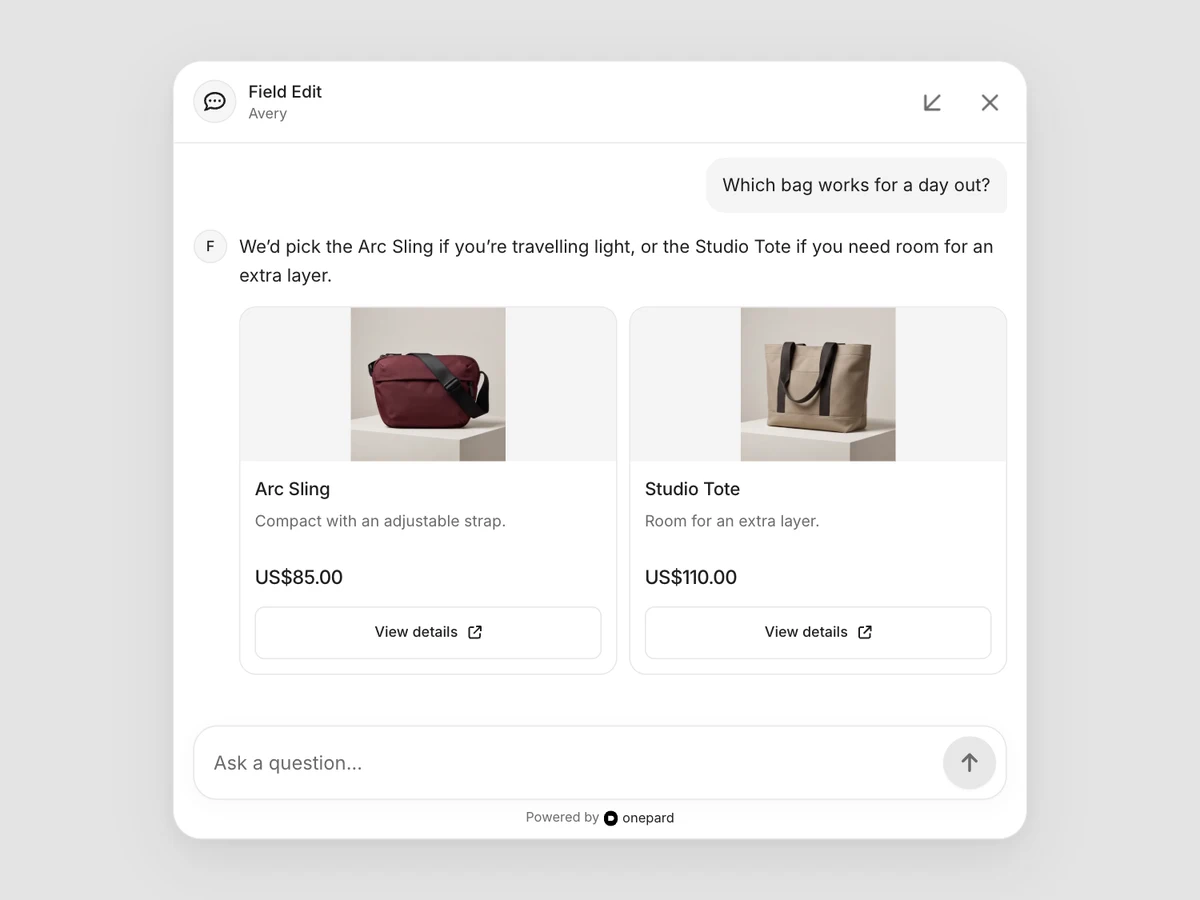
Customers can compare choices with photos, prices and details from your website, then open an option to learn more.
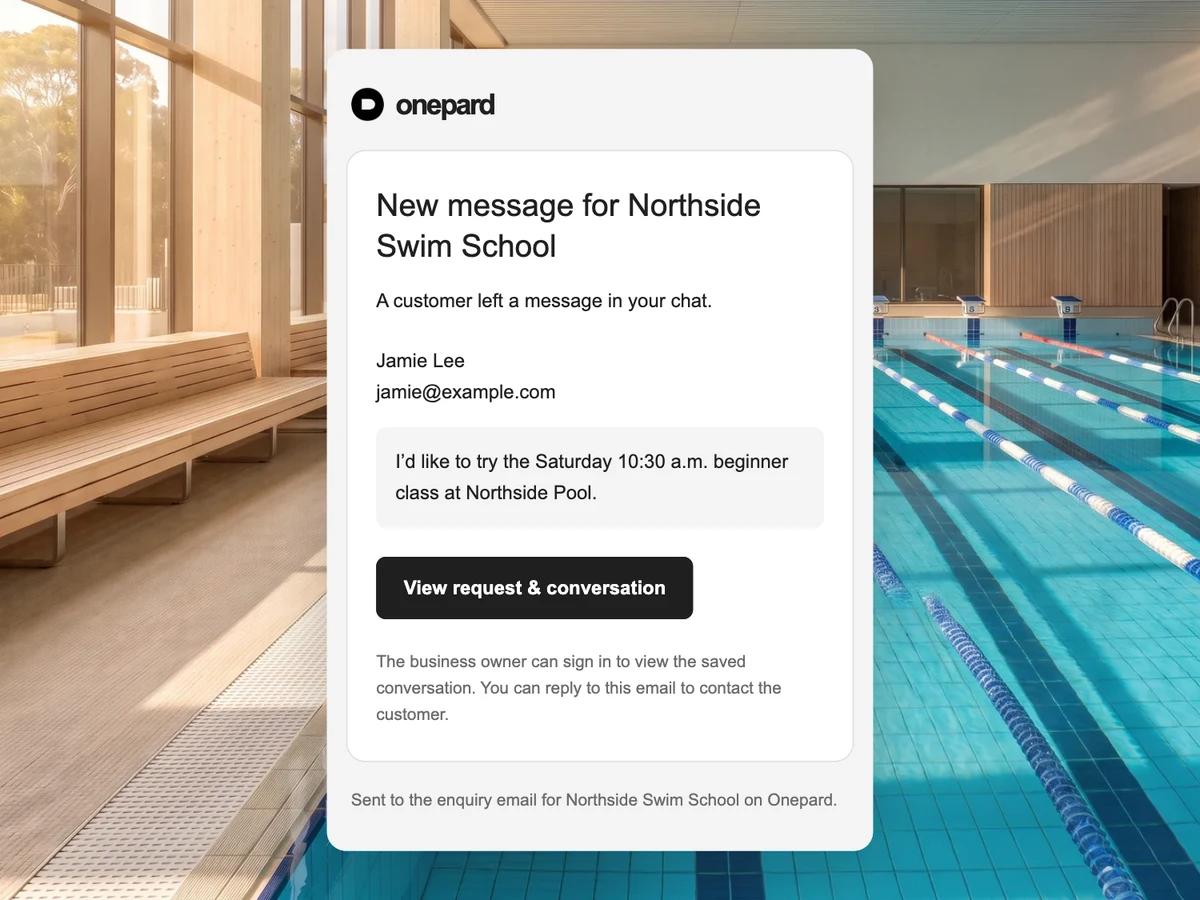
When someone asks for a quote, a callback or help from your team, Onepard opens a short form in chat. Customers fill it in and send it. You get their request and contact details by email.
See how enquiries workCustomers type a question right into the box at the bottom of your site. The conversation opens above it, so they can read the reply and ask a follow-up without leaving the page.


Paste into your AI Agent
You can set up Onepard by following https://onepard.com/llms.txt. Then install Onepard on my website.
Yes. Add your website, then use Open your chat in Chat settings to try it yourself. Share the link or add chat to your site when you’re ready.
You can add Onepard yourself if your website lets you paste code into its footer. Choose Corner chat bubble or Bottom chat box in Chat settings. See the setup steps.
Yes. Update your prices or opening hours on your website, and Onepard keeps its answers up to date automatically.
Onepard offers a short form in chat when a customer asks for a quote, a callback or help from your team. They can leave their details and send the request straight to your inbox. See how enquiries work.
Starter includes 500 replies for US$49 a month. Growth includes 2,000 for US$149 a month. Each completed answer counts once. Compare plans.
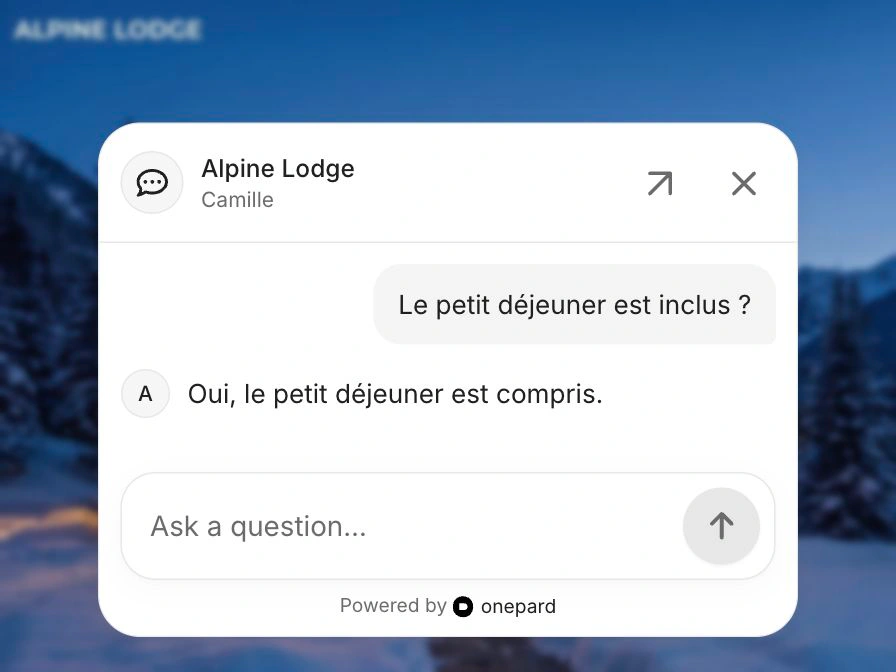
Yes. A customer can ask in French or German even if your site is in English. Onepard uses the information on your site and replies in the language they write in.
Start with a question your team answered this week.
Create your assistant